Android
DeliveryTracker
Record equipment delivered to churches, along with contacts, photos, installation work and training.
What you can do
- Keep delivery records, equipment details and church contacts together.
- Add photographs and record installation and training work.
- Save work offline and synchronise pending changes when connectivity returns.
Getting started
Install the app and ask your administrator for access. Enter your personal API key while connected to the internet.
Open the relevant delivery, check the church and equipment, and add your records and photos.
Reconnect and check that all pending changes and photos have synchronised. Do this before signing out, clearing app data or uninstalling.
Screenshots
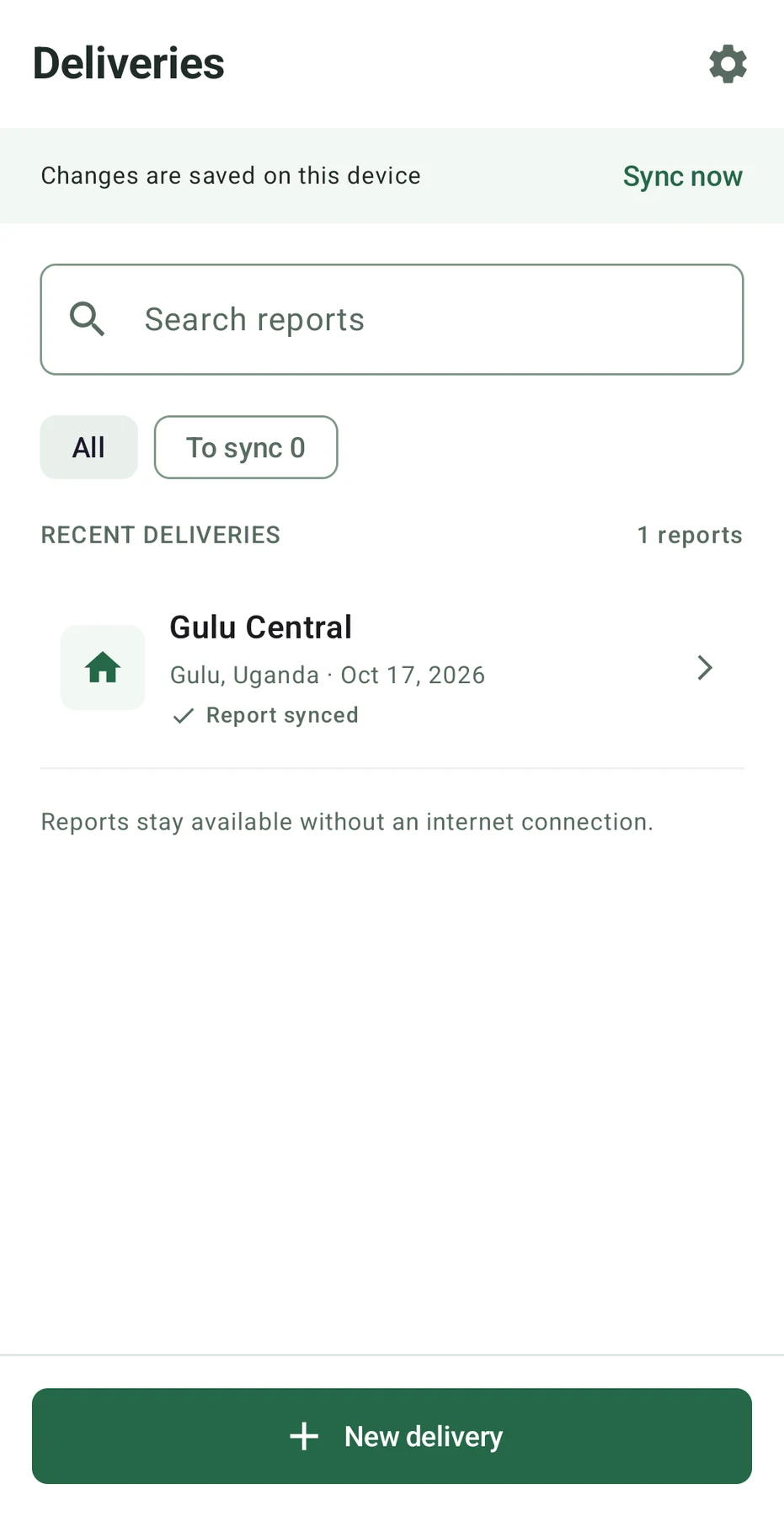
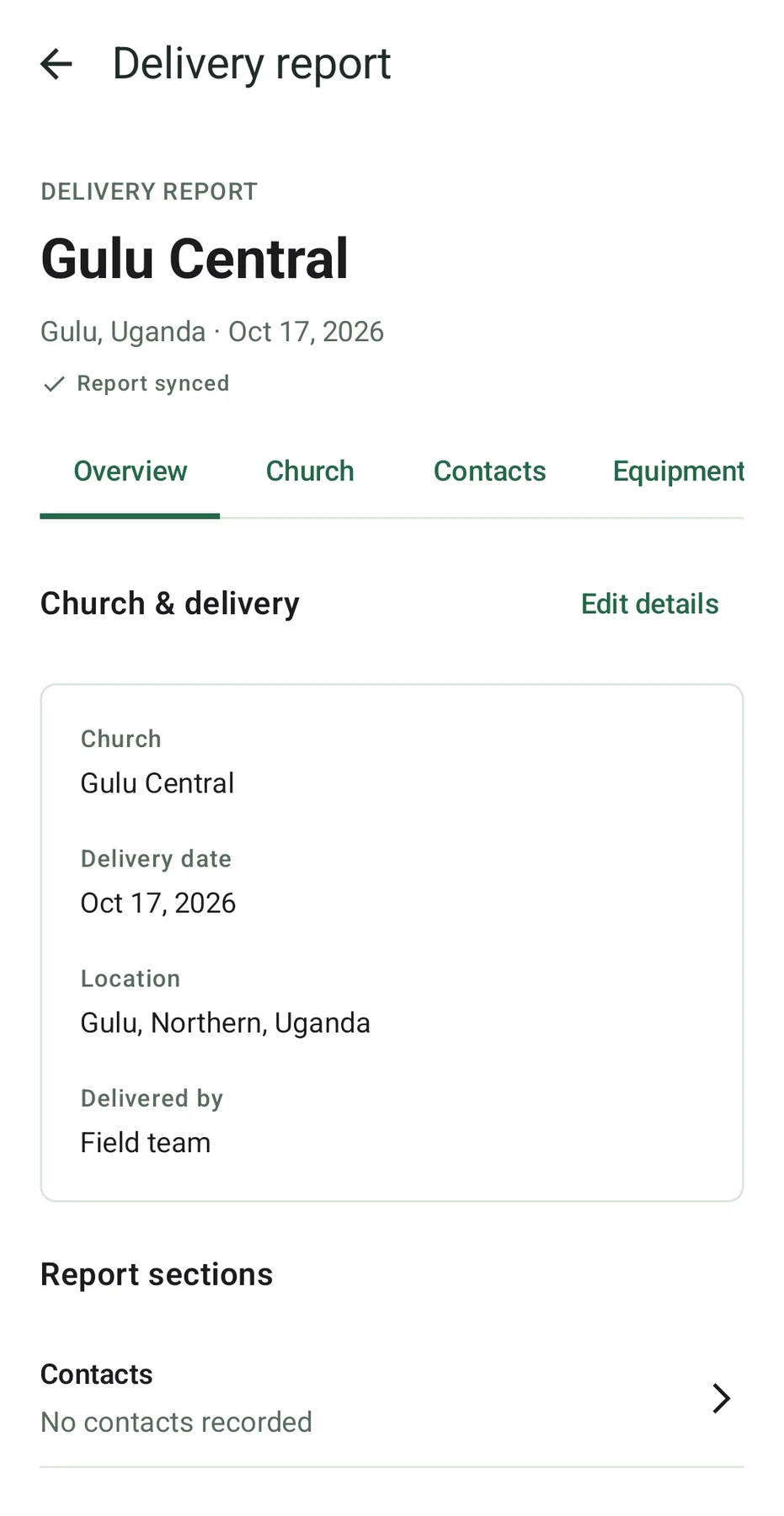
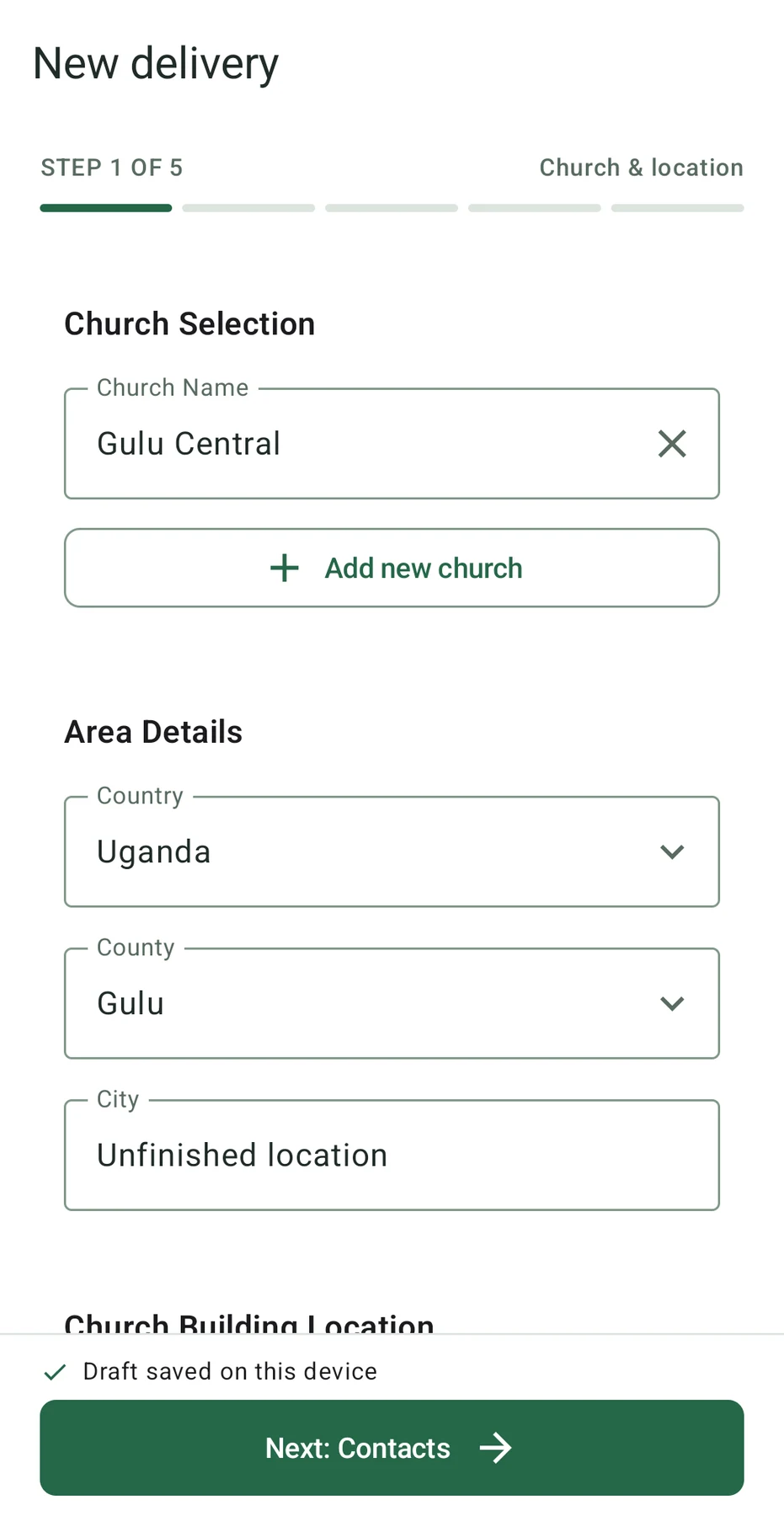
Screenshots show the existing app interface. Their language may differ from this page.