macOS
SermonSearch
Search a sermon and literature library on your Mac, read passages and keep notes and saved searches.
Content languages: 50
- Afrikaans
- Alur
- Ateso
- Bengali
- CI
- Deutsch
- DU
- English
- Español
- Français
- Gungbe
- Italiano
- Japanese
- Jopadhola (Ludama)
- Kinande
- Kinyarwanda
- Lingála
- Luganda
- Lumasaaba
- Luo
- Lusoga
- Magyar
- Malagasy
- Nederlands
- Norwegian
- Polski
- Português
- Româna
- Runyankole
- Runyoro
- Samia
- SH
- Slovensky
- Srpskohrvatski
- Suomi
- Swahili DRC
- Swahili TZ
- Telugu
- Xhosa
- Zulu
- Česky
- български език
- Русский язык
- украинский язык
- հայերեն (armenian)
- اردو (urdu)
- فارسی (farsi)
- हिंदी (hindi)
- ਪੰਜਾਬੀ (punjabi)
- ไทย (Thai)
These languages have content available from Misia. Content on your device depends on what you have downloaded or imported.
What you can do
- Search your library and narrow results by language and content.
- Read the surrounding passage and keep notes and bookmarks.
- Save search settings and listen to available recordings.
Getting started
When the installer is available, install the app and open or import the library you want to use.
Enter a search phrase and choose the languages and content to include.
Open a result to read the passage. Save useful searches, notes or bookmarks for later.
Screenshots
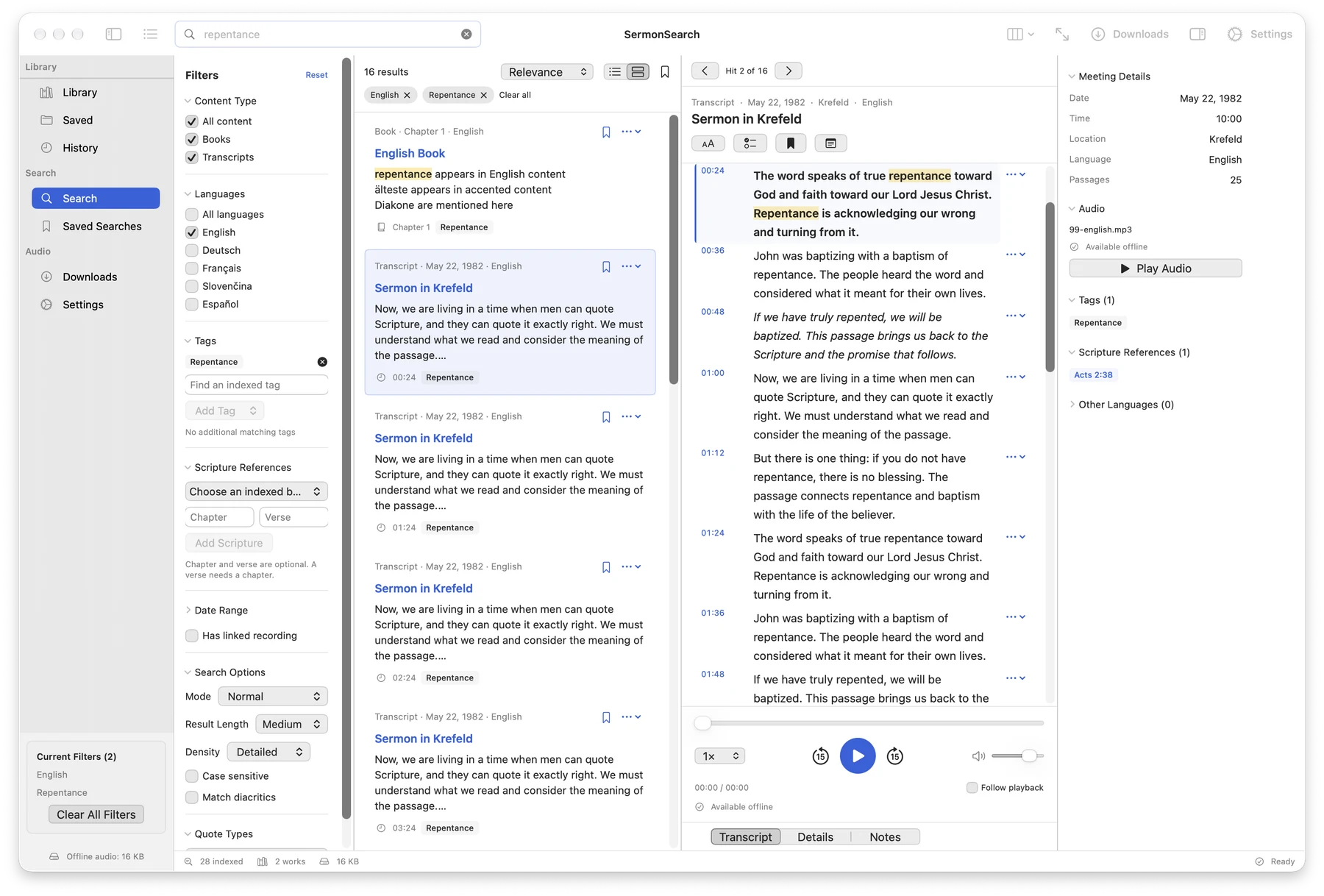
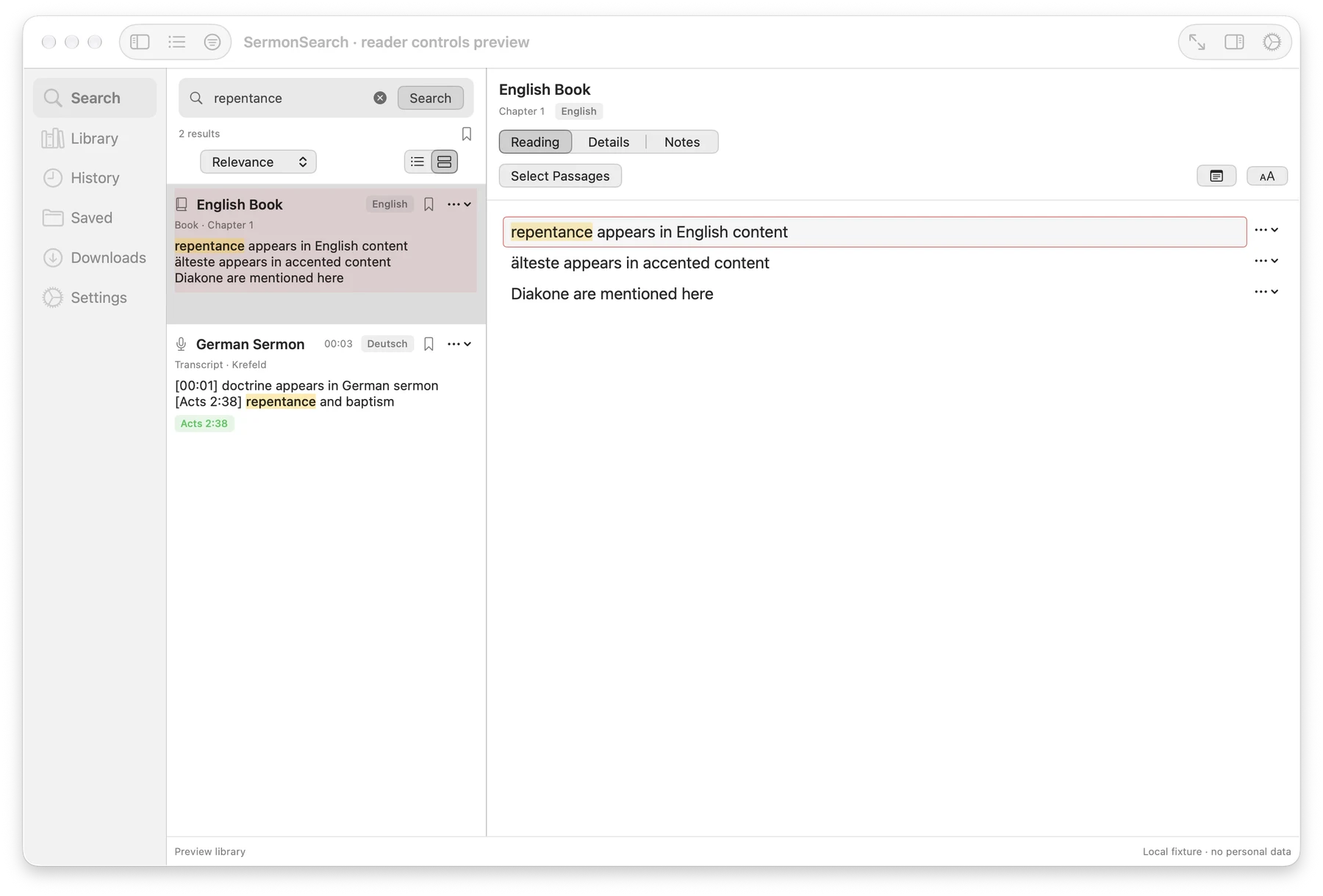
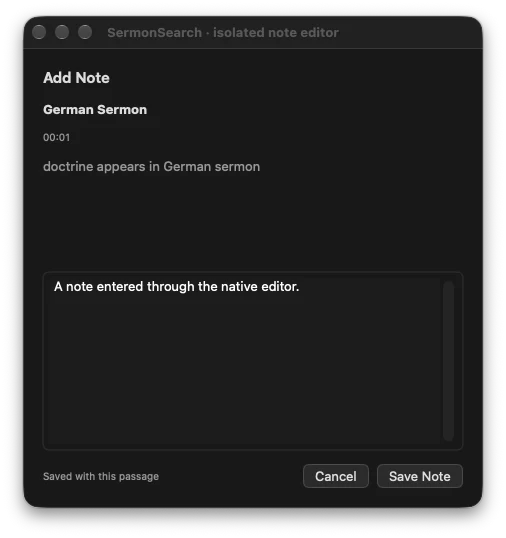
Screenshots show the existing app interface. Their language may differ from this page.