
Android
iPhone · iPad
Misia Wordcast
Listen to Misia sermons in the languages you follow. Download recordings for offline listening and choose Standard or Simple mode.
Content languages: 37
- Aladagbe
- Alur
- Ateso
- Deutsch
- English
- Español
- Français
- Ikirundi
- Italiano
- Japanese
- Jopadhola (Ludama)
- Kinande
- Kinyarwanda
- Lingála
- Luganda
- Lumasaaba
- Lusoga
- Magyar
- Polski
- Português
- Româna
- Runyoro
- Samia
- Slovensky
- Srpskohrvatski
- Suomi
- Swahili DRC
- Xhosa
- Zulu
- Česky
- български език
- Русский язык
- украинский язык
- հայերեն (armenian)
- اردو (urdu)
- हिंदी (hindi)
- ਪੰਜਾਬੀ (punjabi)
These languages have content available from Misia. Content on your device depends on what you have downloaded or imported.
What you can do
- Search the sermon library, filter by language and date, and browse the broadcast calendar.
- Stream in the background, pick up where you stopped, and use playback speed or the sleep timer.
- Download recordings, save favourites and organise sermons into collections. Read transcripts where available.
- Switch to Simple mode for larger playback controls and a date-based way to find sermons.
Getting started
Download and open the Android APK. If prompted, allow installation from your browser.
Open Misia Wordcast, choose the languages you follow and select Standard or Simple mode.
Choose a sermon and press Play. Download it while online to listen later without internet.
Screenshots
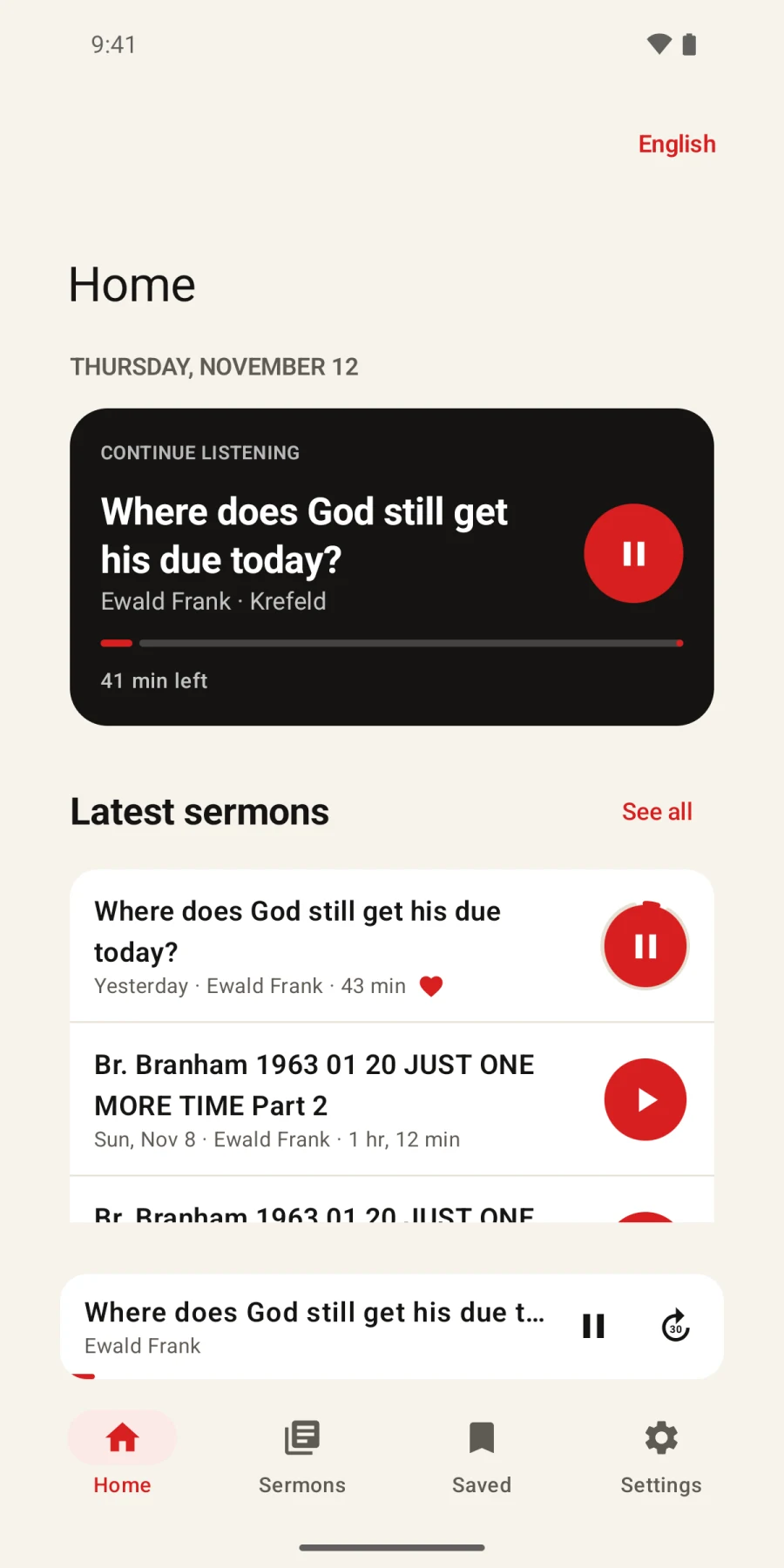
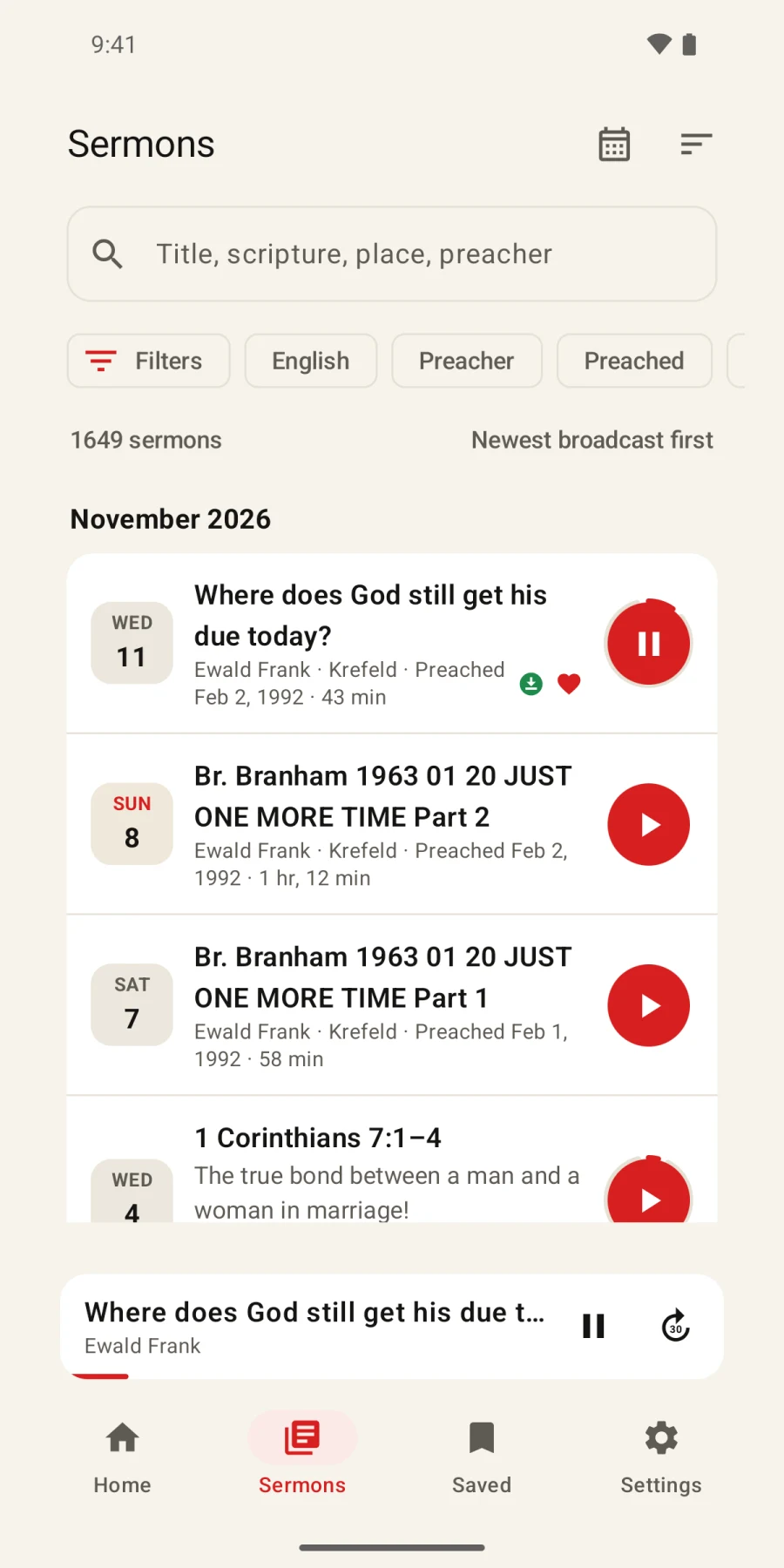
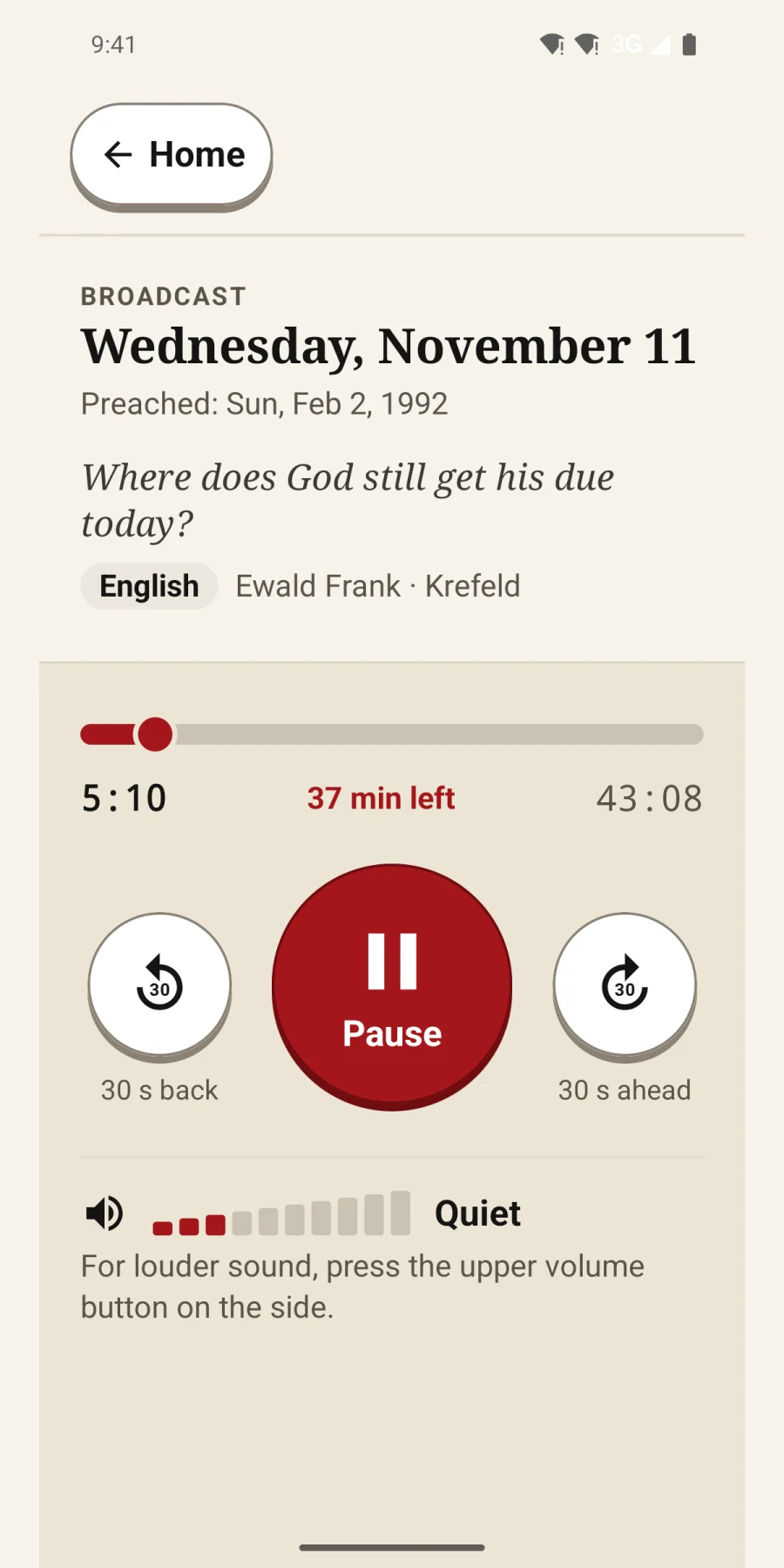
Screenshots show the existing app interface. Their language may differ from this page.